Connect to XERO
|
This article relates to the following pro-Forms modules: |
Using the menu on the left navigate to 'Admin' and then 'External Services'. Then click on the 'Xero' option.
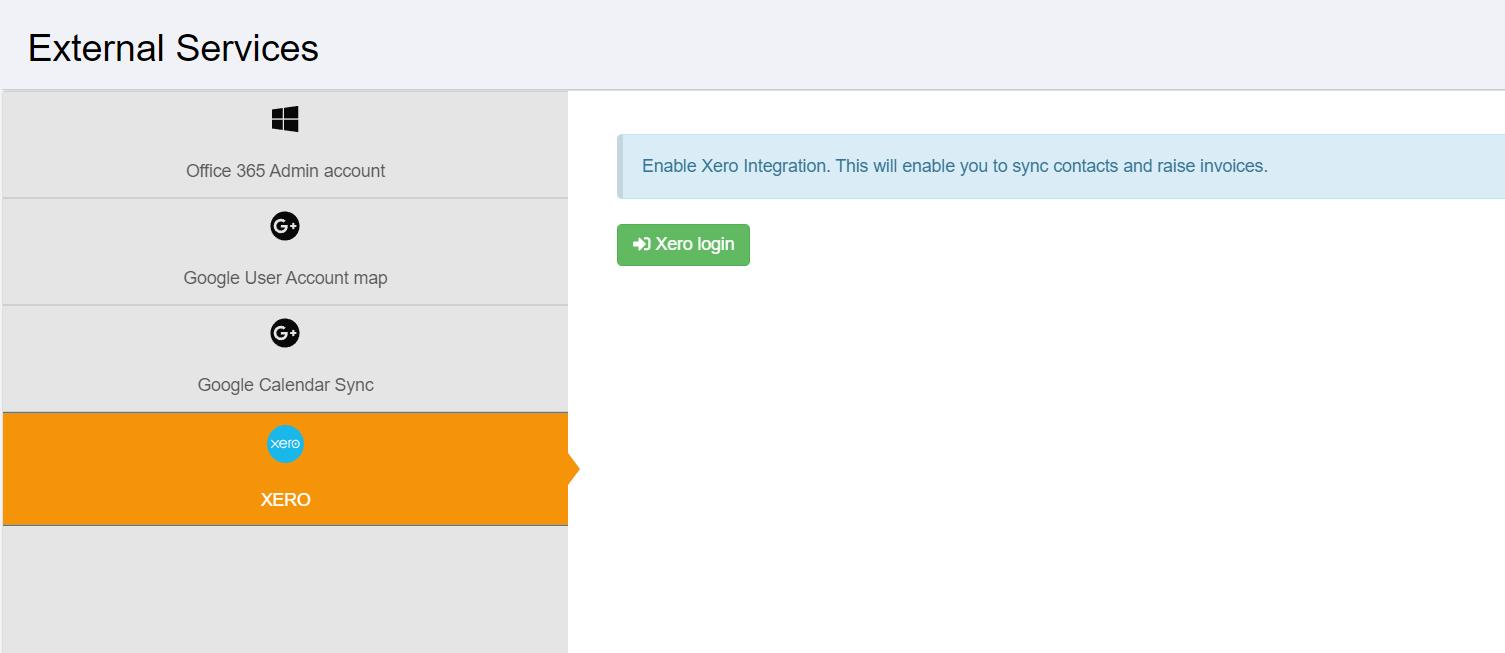
Clicking the 'Xero Login' button will show a login prompt allowing you to enter your XERO username and password:
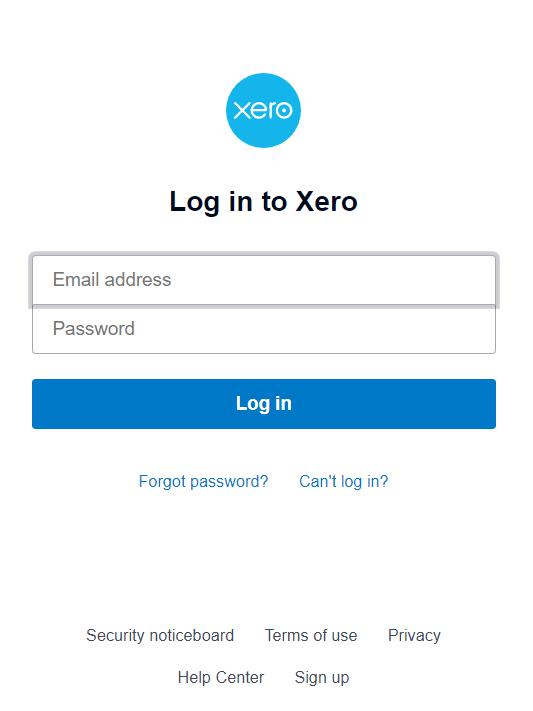
Upon successful entry of your XERO username and password you will be prompted to give access to XERO:
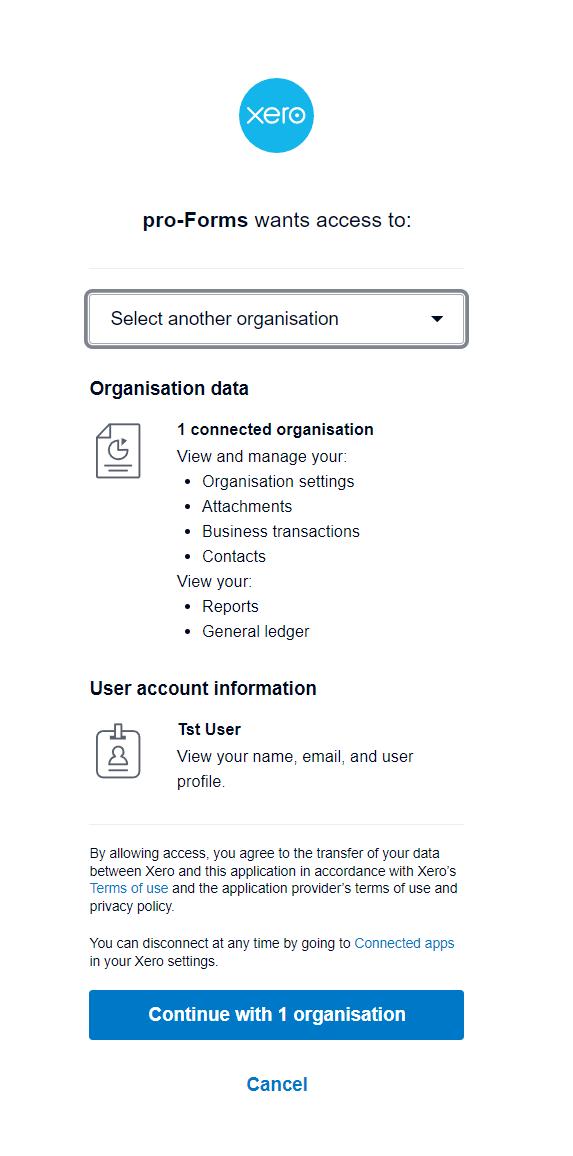
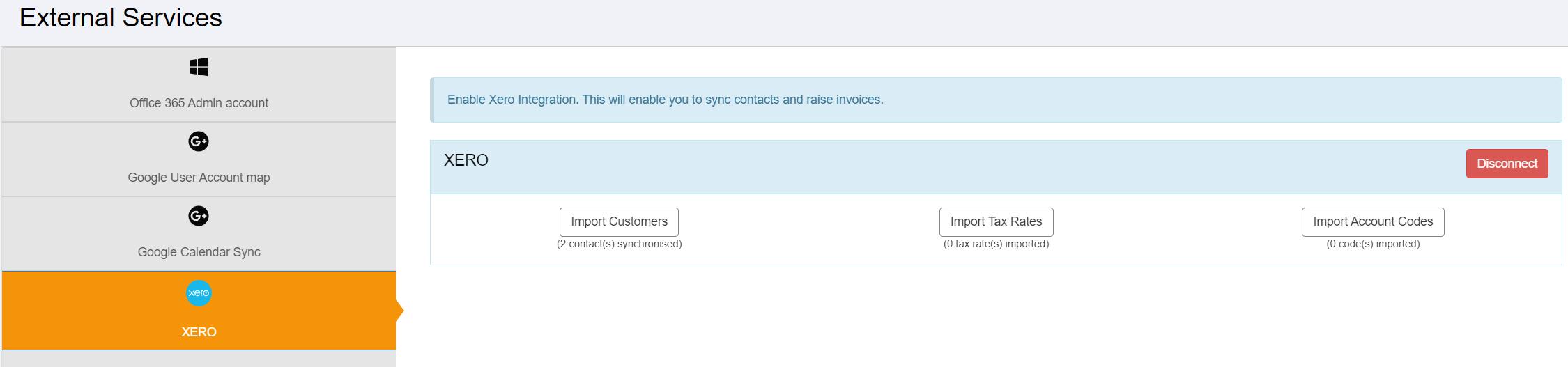
Click to continue and the screen will refresh: